Search
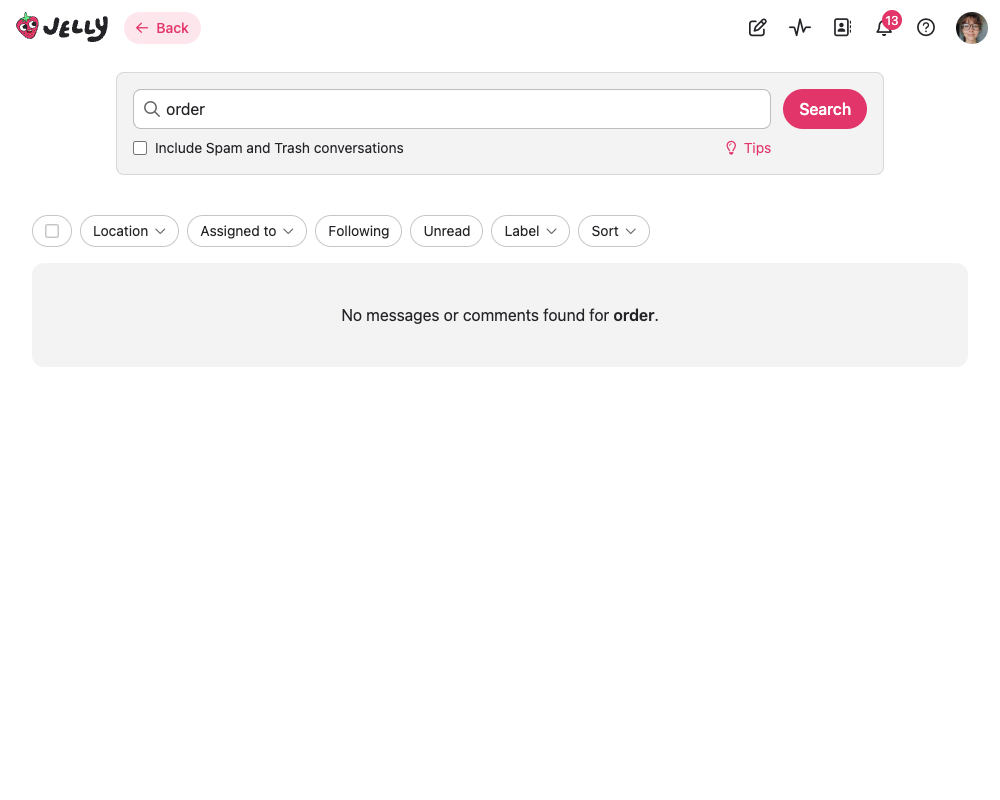
The search bar is in the header of every page. Type any keyword, email address, or phrase and press Enter (or click Search) to see results. Jelly searches across message subjects, bodies, senders, recipients, comments, and attachment filenames.
Search tips
- Exact phrases — Surround your search in quotes to match an exact phrase:
"order confirmation" - Email addresses — Search for a full email address:
jane@example.com. This matches the address wherever it appears — sender, To, Cc, or the Bcc of a message your team sent - Names and domains in an address — Any word inside an address is searchable on its own, so
janeandexampleboth findjane@example.com. This works even when the sender’s name never appeared anywhere else - Sender or recipient — Use
from:,to:,cc:orbcc:to narrow to one of those fields:from:jane@example.com. These also match part of a word, which a bare search does not:from:janfindsjane@example.com - Mentions — Type
@nameto find comments that @-mention a teammate:@jane - Everyone at a domain — Type
@and a domain to find mail to or from anyone there:@example.com. Add a prefix to narrow it to one field:from:@example.com - Phone numbers — Type a phone number (7+ digits) and Jelly will match it regardless of formatting
- Attachment filenames — Search for a filename or extension:
report.pdf - Date words — Type
today,yesterday,this week,last week, orthis monthto find conversations from that period - Combining terms — Everything above narrows:
from:jane@example.com refundfinds Jane’s mail about refunds, not both separately. Bare words decide the order results come in; a search made only of the terms above comes back newest first
Filtering search results
On the search results page, you can further filter by:
- Status — Inbox (open), archived, or all
- Team member — Conversations assigned to a specific person, or unassigned
- Label — Conversations with a specific label
There’s also a checkbox to Include Spam and Trash conversations in results.
Bookmarks
Bookmark conversations you want to find again quickly. Bookmarks are personal — only you see yours.
To bookmark a conversation, open it and choose Bookmark (for me) from the actions menu. To remove a bookmark, choose Remove bookmark from the same menu.
Your bookmarked conversations appear in the My Bookmarks section in the inbox menu (this section only appears when you have at least one bookmark).
Labels
Labels let you categorise conversations for easy filtering. You can view all conversations with a particular label by clicking that label in the Inbox menu.
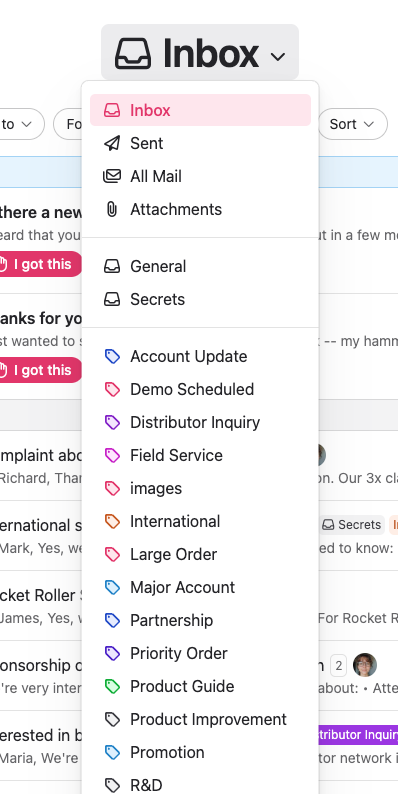
Labels are shared across your team. You can create and manage labels in Settings → Labels, and you can apply them automatically using Rules.
All Mail
The All Mail view in the inbox menu every conversation — inbox, archived, and snoozed — excluding only spam and trash. This is useful when you need to find an archived conversation or just want to browse everything.
Can’t find a conversation in your inbox? Check All Mail — it might be archived.