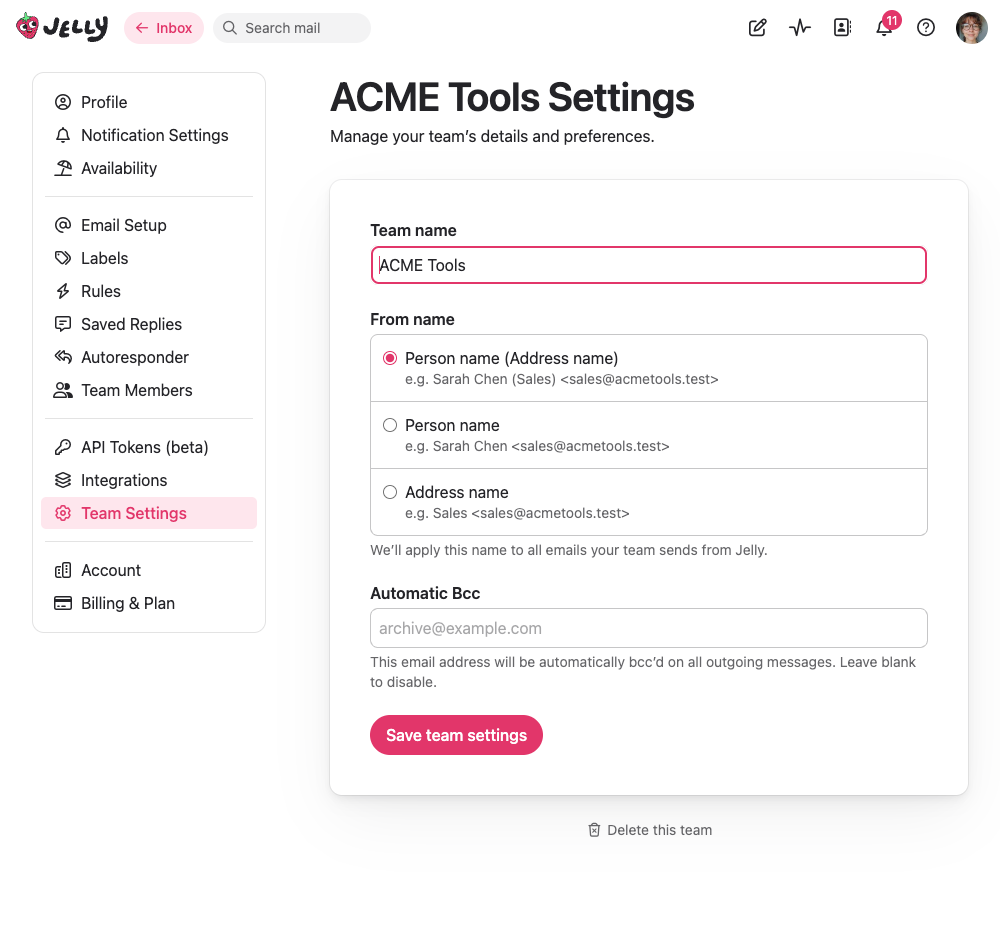
Only admins and owners can change team settings.
Team Name
Your team name is how your team is identified throughout Jelly. It appears in the sidebar, on invitations, and in various other places. You can change it at any time.
Default Address
If your team has multiple email addresses set up, you can choose which one is used by default when composing a new email. Team members can still choose a different “from” address on any individual message — this just sets the starting default.
From Name Format
This controls how your name appears to recipients when you send email from Jelly. There are three options:
- Person name (Address name) — e.g., “Sarah Chen (Acme Support)” — this is the default and is usually the best choice, since it tells the recipient both who they’re talking to and which team the reply is from.
- Person name — e.g., “Sarah Chen” — just your name, without the team context.
- Address name — e.g., “Acme Support” — just the team address name, without identifying who on the team is writing.
Automatic BCC
You can set an email address that will automatically be BCC’d on every outgoing message sent from Jelly. This is useful if you need to keep a copy of all outgoing email in another system — for example, a CRM, an archive mailbox, or a compliance tool.
Leave this blank if you don’t need it.
Deleting a Team
Team owners can permanently delete a team from the team settings page. This removes all conversations, settings, and data associated with the team.
Deleting a team is permanent and cannot be undone. All conversations, labels, rules, and other data will be lost. Make sure you really want to do this before proceeding.